A website that supports passkeys but puts “Sign in with a passkey” behind a password form has made the safer route the harder route. That is a design choice, not a technical necessity. Passkeys should be the first and easiest way into an account whenever a user has one. Passwords can remain available during a transition, but they shouldn’t get top billing by habit.
This is no longer a proposal waiting for users to catch up. In an October 2026 survey of 15 major consumer services, the FIDO Alliance found that passkeys accounted for more than a third of successful sign-ins. It also reported a telling problem at two participating services: users were offered a password or code before the passkey they had already created. That’s an avoidable gap between offering better security and making it useful.
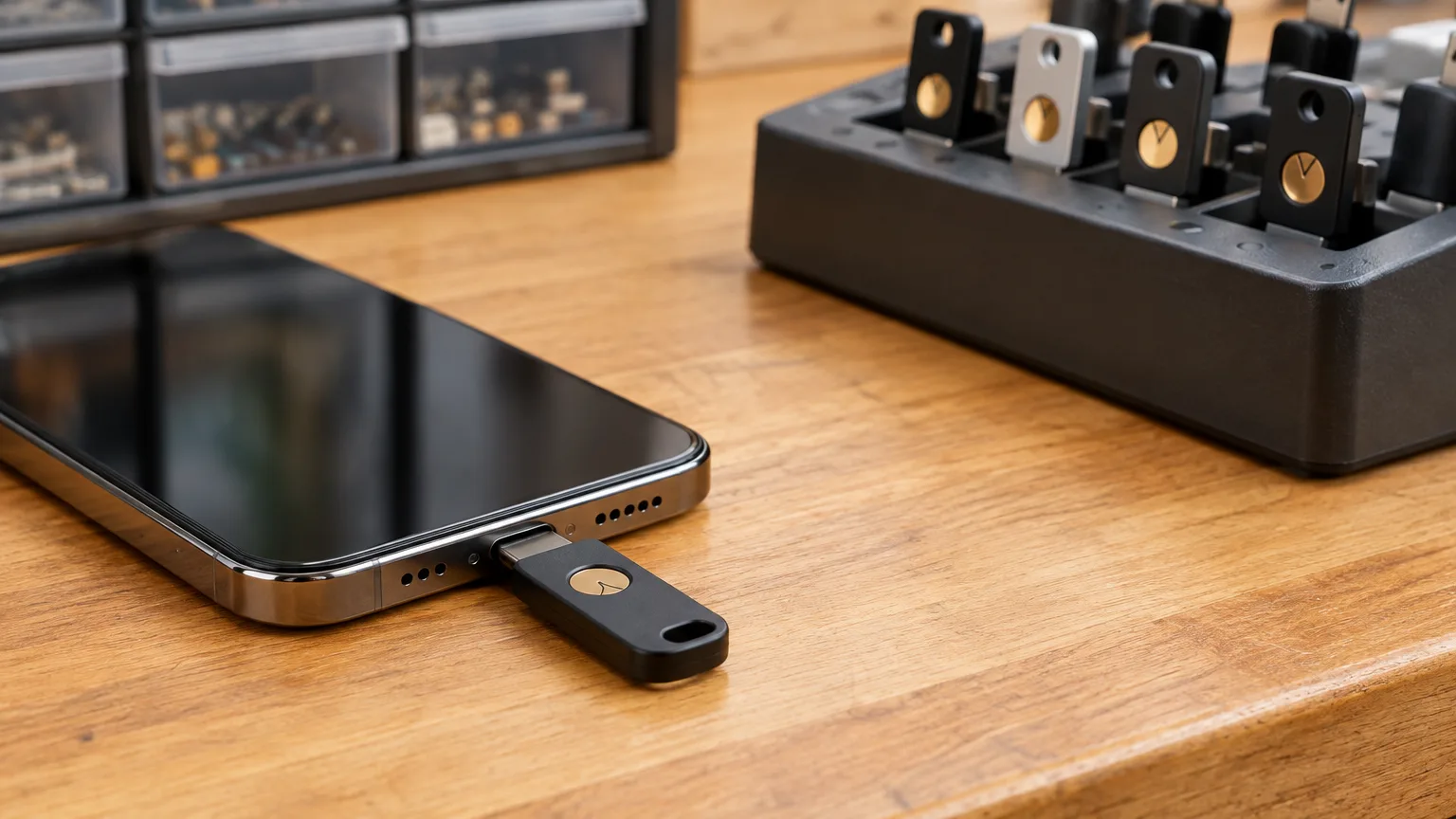
The security advantage belongs on the sign-in screen
A password is a secret you hand to a website. An attacker can try to persuade you to hand it to a convincing imitation instead. Adding a code helps against some attacks, but a code typed into a fake page can also be relayed to the real one.
A passkey works differently. The service holds a public key; a private key is held by the user’s device, security key or passkey provider. At sign-in, the private key proves control of the account without being sent to the website. The credential is bound to the service’s domain, so a lookalike site cannot use it to produce a valid sign-in for the real one. If a fingerprint or face scan is used to unlock the passkey, that biometric information stays on the device. These are properties of the FIDO authentication standards, not a promise that users will get better at spotting scams.
That distinction matters. Security advice often asks people to pause, inspect an address and judge whether a page is genuine. They should still be careful about suspicious sites, but authentication should not depend on winning that test every time. Nor should “phishing-resistant” be mistaken for “account-proof”: malware, stolen sessions and weak recovery processes remain problems. The case for passkeys is that they remove a particularly common way to steal a login secret, while making an ordinary sign-in simpler.
Default should mean easy to use, not mandatory
The right design is not a passkey-only gate dropped in front of everyone. It is a sign-in flow that recognizes when a passkey is available and offers it without making the user hunt through settings or remember which method they chose months ago.
Browsers can suggest passkeys within sign-in autofill, alongside existing credentials during a transition. A user selects the account and unlocks their device with its PIN, fingerprint or face recognition. Sites should also provide a clear passkey button when autofill is unavailable or confusing, and a visible “Use another method” route for people who need it. The aim is fewer decisions, not a new screen full of authentication jargon.
Creating a passkey deserves the same care. After someone successfully signs in with a password and second factor, offer to create one while they know which account they’re securing. Say where it will be saved and confirm when creation succeeds; don’t fire an unexplained operating-system prompt and assume the job is done. Then let users see and remove their registered passkeys in account settings.
“Default” must also leave room for people using shared computers, older devices, accessibility tools or managed work equipment. A site should not pressure someone to save a passkey on a device they don’t control. It should support appropriate alternatives and let the user choose a passkey provider or hardware security key where the platform allows. Making passkeys prominent is good design; treating every device and every person as interchangeable is not.
The strongest objection is recovery—and it’s fair
The serious argument against passkeys as the default is not that passwords are better. It’s that a person may lose a phone, replace a laptop or lose access to the account that syncs their passkeys. If the only credential disappears, a beautifully simple sign-in screen offers little comfort.
That objection should shape the rollout. Many consumer passkeys are synced through a provider, so losing one device does not necessarily mean losing the credential. Device-bound passkeys, including those stored on hardware security keys, work differently: they stay with that device. The FIDO Alliance distinguishes these two types for good reason. A site should not tell users “your passkey will be on your new phone” without knowing where they saved it. A local passkey on a PC may need to be registered again on a replacement machine; a synced one may reappear after the user regains access to its provider.
For an account that matters, the safer answer is redundancy before disaster. Let people register more than one passkey, including one in another provider or on a backup security key if they prefer. Show the credentials clearly enough that a user can tell what they have. Explain the service’s own recovery options when the passkey is created, not for the first time on a locked-out screen.
Recovery must be secure without pretending it can be effortless. NIST’s account-recovery guidance describes options including saved recovery codes, recovery contacts and renewed identity checks, with notifications when recovery occurs. Those are approaches a service can weigh against its risks; they are not a universal recipe for every account. A financial account may need a more demanding process than a shopping account. A lost-phone procedure that takes longer can be reasonable. A procedure that silently hands control to anyone with access to an email inbox can undo much of the benefit of passkey sign-in.
There are two recoveries to consider, too. One is regaining a passkey from the provider that stored it. The other is regaining the website account when no usable passkey remains. A website cannot outsource its entire recovery plan to Apple, Google, Microsoft or a password manager. It needs to tell users which problem they are solving and what proof it will require.
People must be able to change devices—and providers
A passkey should not become a reason to keep a phone or password manager you no longer want. Sometimes the practical answer is to sign in with a passkey already on a nearby phone and use it on a laptop. Google’s passkey guidance describes this cross-device sign-in: the passkey need not be synced to the laptop for the phone to approve the attempt. That solves a common device-change problem, though it is not the same thing as moving the credential into a new provider.
Provider switching is improving, but it is not yet something sites should assume will work for everyone. The FIDO credential-exchange specifications address transfers between credential managers. Bitwarden documents direct mobile passkey transfers using that protocol on supported iOS and Android versions, provided both apps support it. That last condition matters. A standard creates a route to portability; each pair of products still has to implement a working transfer.
Websites can help without controlling those transfers. Allow multiple passkeys per account. Make adding a second one straightforward while the user still has access to the first. Don’t assume the passkey saved in one ecosystem must be the person’s only credential. People planning a switch may also need to sort out the passwords they still use; a practical guide to choosing and setting up a password manager for a family can help with that wider move. Portability is partly a standards problem, but refusing to let users register a second passkey is a website problem.
A better default has to reduce reliance on the old one
Putting a passkey button first is a meaningful start. It is not the finish line if a user can still enter a phished password and code—or obtain a reset through a weaker route—and reach the same account. Sites need to examine every path back in, especially changes to passkeys, recovery details and other sign-in methods.
That does not mean abruptly deleting passwords for people who depend on them. It means making the safer route easy, helping users prepare a backup, and then giving them a clear way to reduce reliance on weaker methods as the service’s recovery design permits. For sensitive changes, the service should demand appropriate proof and notify the account holder. A passkey rollout measured only by how many credentials were created misses the question that matters: how people actually get into, and regain control of, their accounts.
Websites have spent years asking users to compensate for the limits of passwords. Passkeys offer a chance to reverse that bargain. Put them where people naturally sign in, make loss and device changes manageable, and do the harder work of securing the routes around them. The safest everyday option should also be the easiest one.