A power bank can have enough charge for a weekend and still be the wrong one for your laptop. Another can promise 100W charging yet run out before the workday ends. The useful choice comes down to three separate numbers: how much energy it stores, how much power its ports can deliver, and how quickly the bank itself recharges.
Start with the devices you’ll carry. For a phone, a compact 10,000mAh bank with USB-C Power Delivery is often easier to live with than a larger brick. For a laptop, look first at the wattage available from one USB-C port, then at battery capacity. If you fly, check the bank’s watt-hour (Wh) rating before buying: airline limits are based on stored energy, not its advertised charging speed.
Match the size to the charge you actually need
The familiar milliamp-hour (mAh) number describes a battery’s capacity at a particular voltage. It doesn’t tell you directly how many times the bank will charge your phone. Watt-hours are better for comparing stored energy across devices.
You can estimate a bank’s watt-hours with this formula:
Wh = (mAh ÷ 1,000) × the battery’s nominal voltage
Use the voltage on the bank’s battery label or specifications—not the 5V, 9V, or 20V listed for its USB output. Many banks use cells rated around 3.7V. On that basis, 10,000mAh is about 37Wh, 20,000mAh is about 74Wh, and 27,000mAh is about 100Wh. The exact figure can differ, so use the manufacturer’s stated Wh rating when it provides one. The FAA uses this same voltage-and-capacity calculation for batteries whose watt-hour rating isn’t marked.
Not all that stored energy reaches your device. The bank loses some while converting its battery voltage to USB output; the phone or laptop loses more while charging its own battery. Anker’s worked example for a 20,000mAh, 74Wh bank estimates about 61Wh delivered at the USB output and about 52Wh stored by the device after both sets of losses.
That makes a useful planning method: take the bank’s Wh rating, allow roughly 70% of it to end up in a device’s battery, then divide by the device battery’s Wh rating. A 74Wh bank might provide roughly 52Wh of stored charge—nearly three charges for a phone with an 18Wh battery, or somewhat less than one full charge for a 55Wh laptop battery. These are estimates, not promises. Heavy use while charging, wireless charging, temperature, and battery age can change the result.
If your device lists its battery only in mAh, convert that figure to Wh using its own nominal battery voltage. Don’t divide the bank’s mAh number by the phone’s mAh number and call the result “charges”; the two ratings may be measured at different voltages, and that shortcut ignores losses.
Choose the bank that fits your day
For a phone-sized emergency reserve: around 5,000–10,000mAh
This suits someone who wants enough power to get through a long day without carrying much weight. A 10,000mAh bank is the more flexible pick if you regularly arrive home with a low phone battery or also charge earbuds or a watch. Look for a USB-C output with Power Delivery (PD), plus a second port only if you’ll use it.
The catch is endurance. A small bank is easy to keep in a pocket, but it isn’t the right choice for several days away from an outlet. An attached cable saves you from packing one. Check that its connector fits the devices you expect to keep using.
If you’re shopping on a tight budget, prioritize a clearly stated capacity, USB-C PD output, and a readable manufacturer specification over a display, decorative lighting, or a long list of ports.
For two devices or time between outlets: around 20,000mAh
This is the sensible step up for a phone and tablet, two people sharing a bank, or a trip where wall outlets are uncertain. At about 74Wh when rated at 3.7V, a 20,000mAh bank offers substantially more energy than a pocket-size option while remaining below the FAA’s standard 100Wh threshold.
Its catch is bulk and recharge time. Check input wattage, which tells you how fast you can refill the bank from a suitable wall charger. Output wattage tells you how fast it can charge your devices; the two figures need not match. A large bank with modest input may be fine when left charging overnight but frustrating if you have only a short stop near an outlet.
For a USB-C laptop: capacity plus the right single-port wattage
A laptop bank should support USB-C PD at a wattage appropriate for your particular computer. Apple, for example, lists different recommended adapter wattages across MacBook Air and MacBook Pro models, from 30W for some Air configurations to 140W for certain 16-inch Pro models. Your laptop’s supplied charger or manufacturer specifications are the best starting point. Some laptops use a proprietary charging connector or have limits on USB-C charging, so check the model rather than assuming any USB-C port will accept power.
A lower-wattage bank may still charge a compatible laptop while it sleeps or sits idle, but it can struggle to keep up during demanding work. For many USB-C laptops, a bank offering 65W or more from one port is a practical starting point; higher-power machines may need 100W or more for the experience you expect. Also check capacity: a powerful output makes charging faster, not the bank larger. A 10,000mAh bank can deliver a useful top-up but won’t have the energy reserves of a 20,000mAh or larger model.
The catch with larger laptop banks is that size, weight, and airline limits become real considerations. Buy for the extra runtime you need, not simply the highest wattage on the box.
For cable-free convenience: a magnetic wireless bank
A magnetic bank suits someone who wants a phone attached and charging while walking, without a loose cable. Check that the phone and bank support the same wireless charging standard and that a case won’t prevent a firm fit. The Qi2 standard includes magnetic alignment and 15W charging; the newer Qi2 25W standard supports higher power on compatible devices and chargers.
The catch is energy efficiency and flexibility. Wireless charging introduces additional losses, so expect fewer charges from a given capacity than you’d get over a cable. If dependable runtime matters more than convenience, choose a wired USB-C bank—or a wireless model that also has a useful USB-C output.
Read the charging specifications, not just the headline wattage
USB-C is the connector; USB Power Delivery is the charging system that lets compatible devices and chargers agree on a power level. A USB-C port does not, by itself, guarantee fast charging. Look for “USB-C PD” in the specifications, then check the maximum output of the port you’ll use. The USB-IF’s Power Delivery specification supports power levels up to 240W, but a bank delivers only the levels its own hardware provides.
For a phone, roughly 20–30W of compatible USB-C output is a useful target; buying a 100W bank won’t force a phone to charge at 100W. Some fast-charging systems need more than a wattage match. Samsung’s Super Fast Charging specifications illustrate this: supported charging modes depend on USB PD Programmable Power Supply (PPS) voltage and current, the device, and sometimes the cable. If a particular fast-charge mode matters to you, confirm that the bank supports it rather than relying on “fast charging” printed on the package.
For multiple devices, find the chart showing what happens when ports are used together. A bank advertised as “100W” might supply that from one USB-C port when nothing else is connected, then split a lower total among two or three devices. One real-world illustration: Anker lists 30W from a single output but 24W total when using multiple outputs on one of its compact banks. The point isn’t to avoid that model; it’s to check whether your laptop still gets enough power when your phone is plugged in.
Cables matter at higher wattages. Check that the cable is rated for the power you need; a USB-C cable marked 60W is a poor match for a 100W laptop setup. The USB-IF’s cable labeling guidance describes 60W and 240W power markings. Also confirm what comes in the box—neither a suitable cable nor a wall charger should be assumed.
Check airline limits before buying a large bank
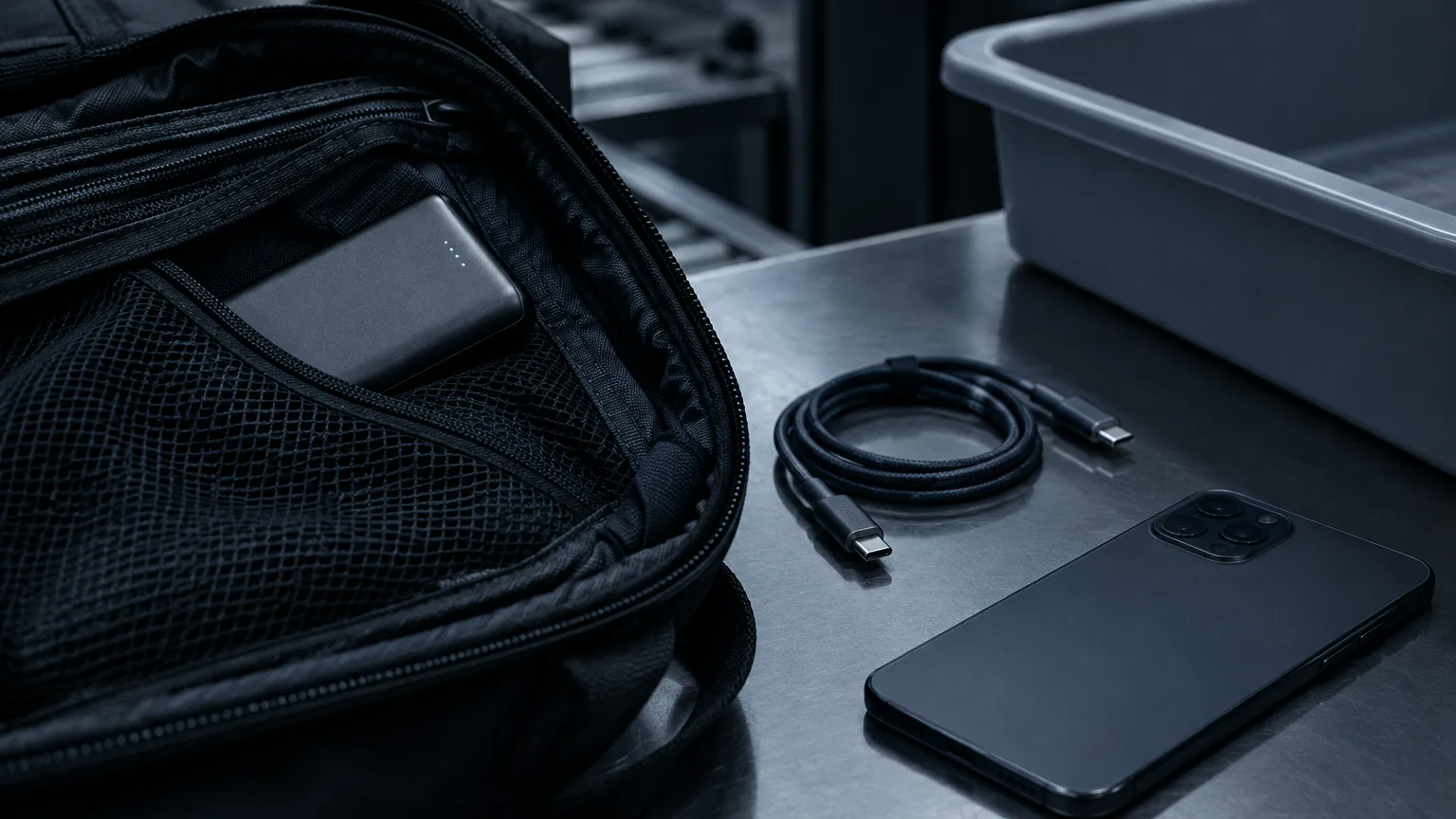
For flights governed by U.S. rules, FAA guidance requires power banks to stay in carry-on baggage. Remove yours if your carry-on is checked at the gate. Protect it from damage and short circuits, and keep it accessible rather than burying it among loose metal items. If it overheats, swells, or smokes on board, tell the crew immediately.
The FAA’s standard limit is 100Wh per lithium-ion battery. A bank above 100Wh and up to 160Wh requires airline approval, and each passenger may carry no more than two spare batteries in that larger range. Batteries over 160Wh are not permitted on passenger aircraft under those rules. The limit applies to the bank’s stored watt-hours, not its 65W, 100W, or 140W USB output rating.
That’s why a 27,000mAh bank needs closer inspection than a 20,000mAh one. At 3.7V, 27,000mAh works out to 99.9Wh—just under the standard threshold—but a different stated voltage or capacity can put a product over it. Check the printed Wh rating on the exact model you’re buying. If you fly often, a clearly marked bank comfortably below 100Wh is simpler than one sitting on the edge. Airlines and international itineraries may impose tighter restrictions, so check your carrier’s rules before departure. Don’t travel with a damaged or recalled bank.
Make the final check at the specification label
Before ordering, confirm five things: the stated Wh capacity; the USB-C output from one port; the output when the ports you need are used together; the USB-C input for recharging the bank; and the cable required for your highest-power device. For a laptop, compare that single-port output with its recommended charger. For a phone with a specialized fast-charge mode, check protocol support as well as watts.
Buy from a seller that clearly identifies the manufacturer and model, and favor a product with a legible electrical label and meaningful safety documentation. UL Solutions’ UL 2056 power-bank testing covers risks including overcharge, short circuits, and thermal safety; don’t treat an unexplained “safe” badge as equivalent to verifiable certification.
The best power bank is the smallest one that supplies enough usable energy for your day and enough compatible power for your most demanding device. Check those separately, then make sure the watt-hour label fits your travel plans.