The screen that looks best under a reading lamp may be the wrong one for a sunny patio. And the device that makes a novel easy to finish may make a full-page research paper miserable to read. That’s the useful way to frame an e-reader versus tablet decision: start with what you read, where you read it, and what you need to do with the page.
For long stretches of ordinary text, a dedicated e-reader is usually the better reading device. A tablet earns its place when color, large pages, library apps, or active work with documents matter more than a paperlike screen. Neither choice is better at every kind of reading.
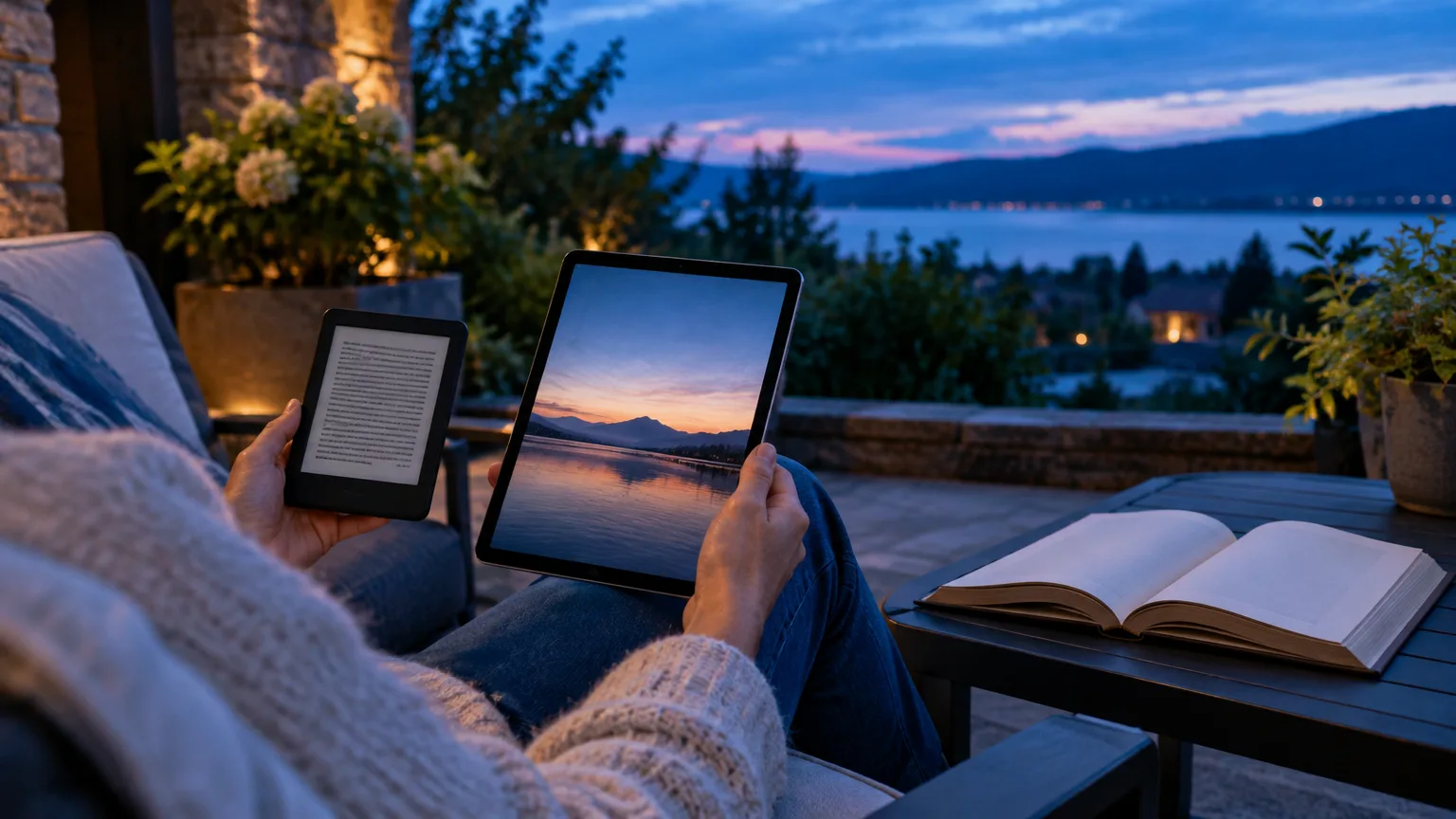
The differences that decide the choice
| Reading need | E-reader with E Ink | Tablet with LCD or OLED |
|---|---|---|
| Bright sun | Reflective screen stays easy to see; little need for a light | Reflections can get in the way, and raising brightness uses more power |
| Reading in bed | Adjustable front light on many models; fewer interruptions | Brightness, warm-color, and dark-mode controls, but an illuminated screen |
| Novels and long nonfiction | Light, simple, and well suited to sustained reading | Comfortable if you like the screen, but heavier in the hand |
| Comics and illustrated books | Color models exist, with limits in color sharpness and impact | Larger, vivid color and quick zooming |
| Library books | Works well when your library’s loans match the device | Library apps run directly, subject to device and app compatibility |
| PDFs and handwritten markup | Possible on some larger, pen-compatible models; check file restrictions | More room to view pages and more ways to mark up and share files |
| Battery | Often measured in weeks under light-reading test conditions | — |
These are tendencies, not guarantees. An e-reader’s screen size, front light, library support, and note tools vary by model. Tablets differ substantially in size, weight, display finish, and battery life.
In sunlight, E Ink has the clearer advantage
An E Ink screen uses surrounding light to show its page. A conventional LCD tablet sends light through its display; an OLED tablet produces light at the pixels. That distinction is why reflective E Ink becomes easier to view as ambient light increases, while a tablet may need high brightness to compete with a bright sky. A glossy tablet can also reflect your face or the window behind you.
If you read on a beach, beside a pool, or during a sunny commute, that difference matters more than a tablet’s sharper-looking menus or faster scrolling. On an e-reader, you can generally leave the front light off outdoors. On a tablet, turning up the brightness may help, but it doesn’t remove every reflection. A shaded seat and a change of screen angle can make a tablet usable; they don’t make it as effortless as E Ink in direct sun.
For an outdoor reader choosing between two devices primarily for books, this is the strongest argument for the e-reader.
Reading before sleep is about light levels, not a magic screen
E Ink does not glow on its own, but many e-readers have a front light so you can read in a dark room. Tablets light the display and offer controls to make it less harsh. On an iPad, for example, Night Shift warms the display colors; you can also lower brightness and use a dark reading theme.
A tablet can be comfortable at night too, particularly if you lower its brightness rather than leaving it at a daytime setting. A warm color setting isn’t a substitute for that adjustment.
Avoid the claim that E Ink prevents eye strain or that every tablet harms sleep. The American Optometric Association lists glare, viewing distance, lighting, and uncorrected vision problems among factors in digital eye strain. A study comparing a light-emitting reading device with a printed book found later sleep timing and reduced evening melatonin in the device condition, but it did not establish that every modern tablet setting performs the same way or compare today’s front-lit E Ink models head-to-head.
If reading is how you settle down for sleep, choose the device you can keep comfortably dim—and consider whether notifications and easy access to other apps tend to pull you away from the book. If your eyes regularly feel tired, enlarging the text, reducing glare, and taking breaks may help whichever screen you use.
Color changes the answer for comics and illustrated books
Most basic e-readers display black and white. Color E Ink offers a middle ground: you can see covers, maps, highlights, and illustrations without giving up the reflective screen. It is not the same experience as a color tablet. For a concrete comparison, the Kobo Libra Colour’s seven-inch screen is rated at 300 pixels per inch for black-and-white content and 150 for color. A tablet also gives a full-page comic or detailed diagram more space and lets you zoom and pan more fluidly.
A color e-reader makes sense if you mostly read prose and occasionally want a colored map or book-club highlight. If graphic novels, magazines, cookbooks, textbooks, or photography books make up a large share of your reading, pick a tablet with a screen big enough for the page. Don’t buy color E Ink expecting tablet-like color.
Your library and book collection may settle the decision
Before buying an e-reader, check where your books come from. Tablets can run reading and library apps directly, which is valuable if you split your time among different stores or borrowing services. Libby supports reading library loans in its app on compatible tablets, including offline reading after download. App support still depends on the tablet and its software.
Dedicated e-readers offer less flexibility, but library borrowing isn’t limited to tablets. In the United States, you can send most eligible Libby ebook loans to a Kindle e-reader through Amazon; “most” matters, because you should check the format option for the titles you actually borrow. Supported Kobo e-readers can sync eligible Libby loans, though Kobo notes that library titles must match books in its catalog for that wireless route. Kobo also offers a CloudLibrary connection for eligible U.S. and Canadian library users.
The useful pre-purchase test is to look up three books you want to borrow—not merely your library’s name. Check which service carries them and how a loan reaches the specific e-reader you’re considering. If you use several library services or want magazines and audiobooks alongside ebooks, a tablet is generally the less restrictive choice.
PDFs favor space and flexible markup
A novel can resize its text to fit a small screen. A fixed-layout PDF usually cannot. On a six- or seven-inch e-reader, a letter-size article may leave you choosing between tiny type and constant zooming. Rotating the screen helps some pages, but it doesn’t turn a compact reader into a comfortable workspace.
A larger tablet is usually the sensible pick for reports, academic papers, forms, and manuals. It gives you a better chance of seeing a full page at a readable size and moving quickly between text, figures, and notes. On an iPad, you can annotate PDFs in Notes with a finger or compatible Apple Pencil. If you compare documents or need a specialized reading app, the tablet’s software options matter as much as its screen.
E Ink is still worth considering for someone who reads long documents and wants to write without a tablet display. Pen-equipped devices such as the Kindle Scribe and certain Kobo models can handle handwritten notes, but their workflows have limits. Kobo’s stylus rules, for instance, allow export of handwritten markup on non-protected PDFs but not writing on DRM-protected PDFs. Kindle Scribe’s handwriting support also depends on how a document was sent to the device. If annotation is central to your work, test the exact file type and export path before choosing a pen-equipped e-reader.
For lighter note-taking—highlighting a passage and adding a short comment while reading a book—either type of device can serve. The tablet pulls ahead when the notes need to move easily into a broader document workflow.
Battery life and weight matter when reading becomes a habit
The battery figures on a box can look like an overwhelming e-reader win, but read the test conditions. The Kobo Clara BW’s claim of up to 53 days assumes 30 minutes of reading per day, a low front-light setting, and wireless connections off. By contrast, Apple rates the 11-inch iPad (A16) for up to 10 hours of Wi-Fi web use or video. Those are different tests, not a direct measurement of how long either device will display the same ebook.
The lived difference is simpler: an e-reader is easier to leave in a bag for days without thinking about its charger. A tablet asks for more charging, particularly if you also use it for video, browsing, and work. The smaller e-reader is also easier to hold in one hand for a long chapter. The tablet pays for its larger reading area in bulk—a fair trade for a desk or couch, less appealing when you’re standing on a train.
Choose for the pages you read most
Get an e-reader if most of your time goes to novels and other flowing text, especially outdoors, in bed, or on trips. Its reflective screen, low charging burden, and compact shape directly serve those habits. Check library compatibility before settling on a model; choose color E Ink only if modest color is genuinely useful to you.
Use a tablet if your reading regularly includes comics, detailed color, large PDFs, or documents you actively mark up and share. It’s also the more adaptable single device when your books and loans live across several apps. If you already own a tablet and only read occasionally, try it first with the brightness turned down and distractions silenced.
For a reader who does both in earnest, the devices needn’t compete. A small e-reader can carry the books you finish for pleasure, while a tablet handles the pages that need color, room, or work.